The Command Palette for Developers
Who Move Fast & Ship Faster
Instant access to 100+ Laravel Artisan, Docker Compose, Git, SQL, and Regex snippets in any active browser tab.
Summon the spotlight command bar with Ctrl + Shift + K and paste in 1 second.
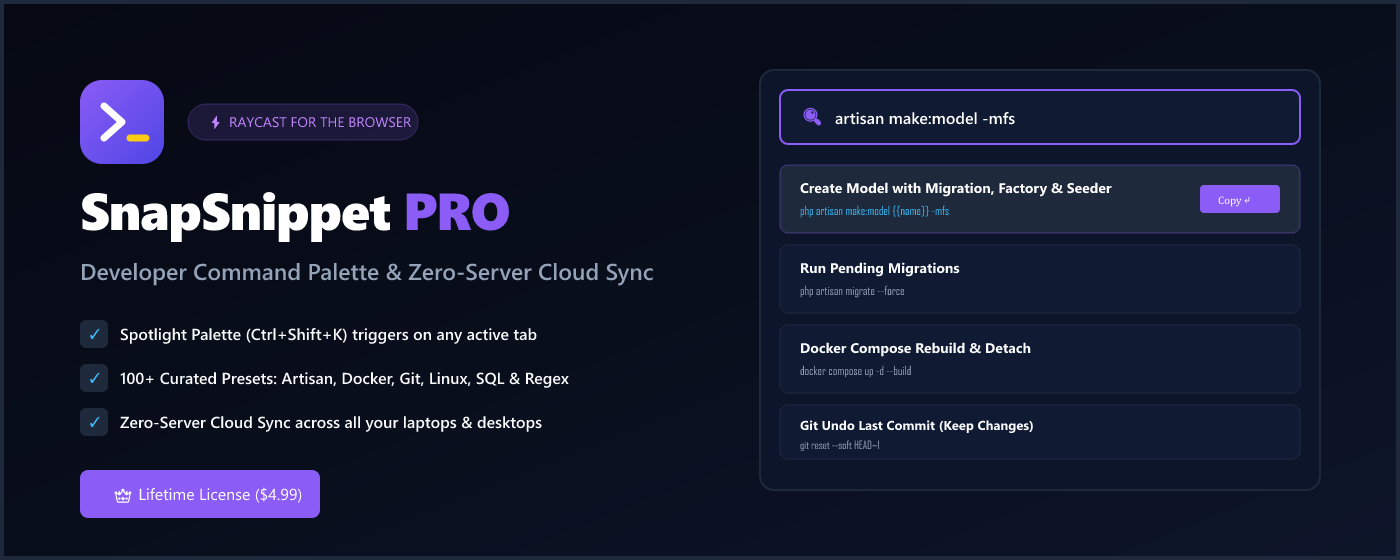
php artisan reverb:start --debug
Stop Looking Up The Same Commands Every Week
Save hours of Googling syntax. Everything is indexed locally for zero-latency fuzzy search.
Global Spotlight (Ctrl+Shift+K)
Summon the floating command overlay on any active webpage. Works on GitHub, GitLab, StackOverflow, documentation sites, and local dev tabs.
100+ Curated Presets
Pre-populated with high-value templates: Laravel 11/12 Artisan, Docker multi-container flows, Git rebasing, PostgreSQL/MySQL queries, and Regex.
Dynamic Variable Auto-Fill
Write snippets with {{table_name}}, {{branch}}, or {{service}}.
SnapSnippet automatically prompts for parameters and injects them.
Zero-Server Cloud Sync (Pro)
Sync snippets automatically between your work desktop, home laptop, and dual-boot OS via browser roaming sync without third-party servers.
1-Click JSON Backup & Restore
Export your full snippet archive to a clean JSON file anytime. Import into another machine or browser profile in one second.
100% Offline-First Privacy
Your command snippets, database passwords, and dev notes never touch our servers. No analytics, no telemetry, no tracking.
Designed to Feel Like a Native Mac & Windows Tool
Clean, high-contrast typography and keyboard navigation tailored for professional engineers.
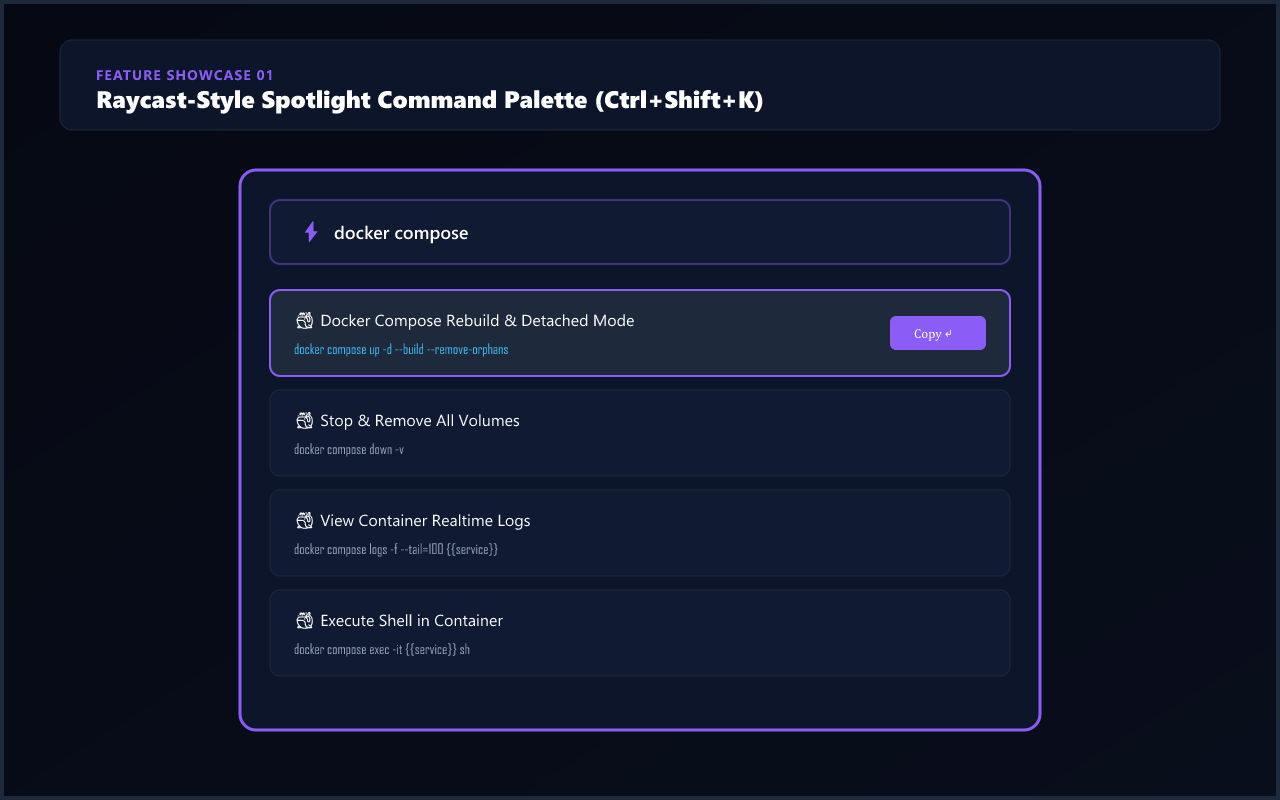
1. Instant Spotlight Palette
Trigger Ctrl + Shift + K to search, filter categories, and copy snippets with keyboard arrow
navigation.
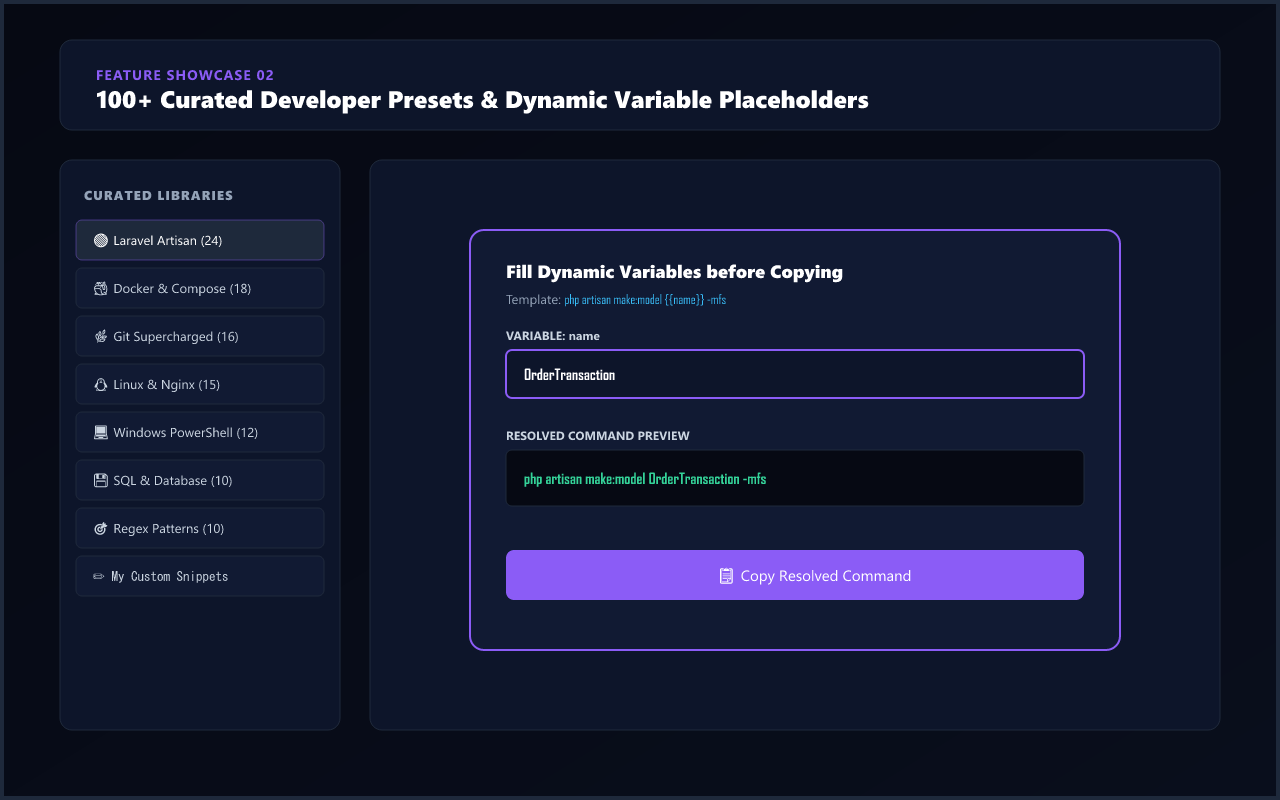
2. Pre-Loaded Tech Stacks
Switch between Artisan, Docker, Git, SQL, and Regex tabs. Star your most-used commands for 1-click pinning.
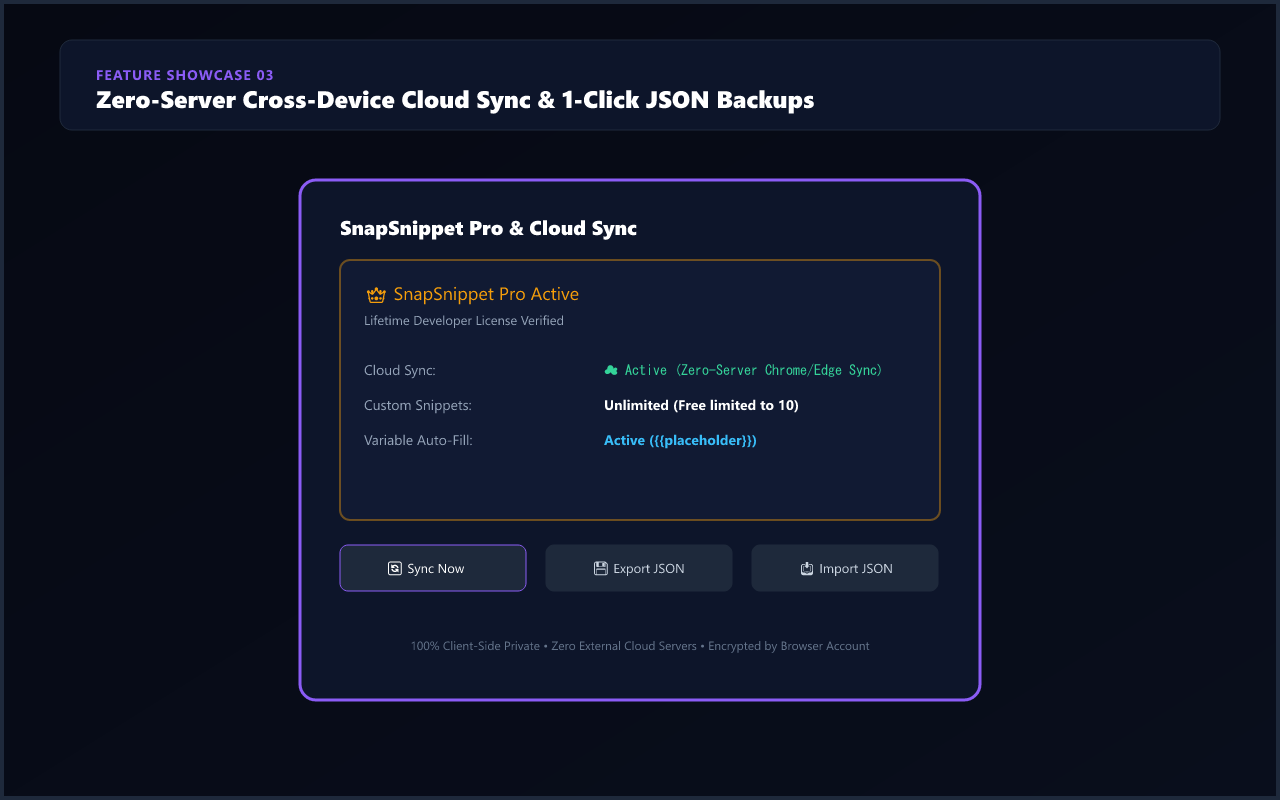
3. Zero-Server Sync & Backup
Manage Pro activation, trigger manual sync, and export your entire snippet vault to JSON with a single click.
Free Community Edition vs. Pro Lifetime
Everything you need for everyday dev work is free. Upgrade to Pro for unlimited snippets and seamless multi-device roaming.
| Feature / Capability | Community Free | Pro Lifetime ($4.99 USD) |
|---|---|---|
| Pricing Model | $0 Free Forever | $4.99 One-Time Lifetime |
| 100+ Curated Presets (Artisan, Docker, Git, SQL, Regex) | ✓ Full Access | ✓ Full Access |
| Global Spotlight Hotkey (Ctrl+Shift+K) | ✓ Supported | ✓ Supported |
| Fuzzy Command Search & 1-Click Copy | ✓ Supported | ✓ Supported |
| Custom Snippets Capacity | Up to 10 Custom Snippets | ✓ Unlimited Custom Snippets |
| Cross-Device Cloud Sync | ✕ Local Storage Only | ✓ Zero-Server Roaming Sync |
| Dynamic {{variable}} Parameter Auto-Fill | ✕ Static Only | ✓ Interactive Prompt Injection |
| JSON Bulk Export & Import | ✕ Manual | ✓ 1-Click Vault Backup |
| Device Activation Limit | Single Device | ✓ Up to 3 Personal Devices (Work PC, Laptop & Home Desktop) |
| Future Feature Updates | Community Updates | ✓ All Future Pro Features Included |
| Get Free on Edge → | Unlock Pro for $4.99 → |
How Zero-Server Sync Works
Most developer tools require you to create an account, store your snippets on their company servers, and pay monthly subscriptions. SnapSnippet Pro takes a completely different path.
Using Microsoft Edge and Google Chrome's native chrome.storage.sync infrastructure, your
snippets roam across your signed-in browser profiles automatically. We run zero servers and store zero copies
of your data.
Frequently Asked Questions
Which browsers are supported?
SnapSnippet runs on Microsoft Edge, Google Chrome, Brave, Opera, Vivaldi, Arc, and any other Chromium-based web browser.
How do I activate my Pro license key?
After purchasing on Gumroad, you receive a license key (e.g., SNIP-PRO-XXXXX). Open SnapSnippet,
click the Pro & Cloud Sync icon, paste your key, and click Activate. Activation verifies
once via Gumroad API and enables Pro permanently.
Can I use my Pro license on multiple computers?
Yes! Every SnapSnippet Pro purchase grants you activation for up to 3 personal devices (for example: your work workstation, home desktop, and laptop). With built-in roaming sync, your snippets stay updated across all your machines.
Is the $4.99 fee a subscription?
No! SnapSnippet Pro is a one-time lifetime payment of $4.99 USD. You will never be billed again, and all future updates are included.
Can I customize the global shortcut key?
Yes. By default it is Ctrl + Shift + K (or Cmd + Shift + K on macOS). You can
customize it at any time by visiting edge://extensions/shortcuts or
chrome://extensions/shortcuts.
Supercharge Your Developer Workflow Today
Join developers who use SnapSnippet to instantly trigger Artisan commands, Docker flows, and Git actions without context switching.